
Desktop-only
Local installation on one computer. No LAN required. Suitable for an office or bursar workstation.
A local Windows application for on-site school operations, with local data availability and offline access to supported records.
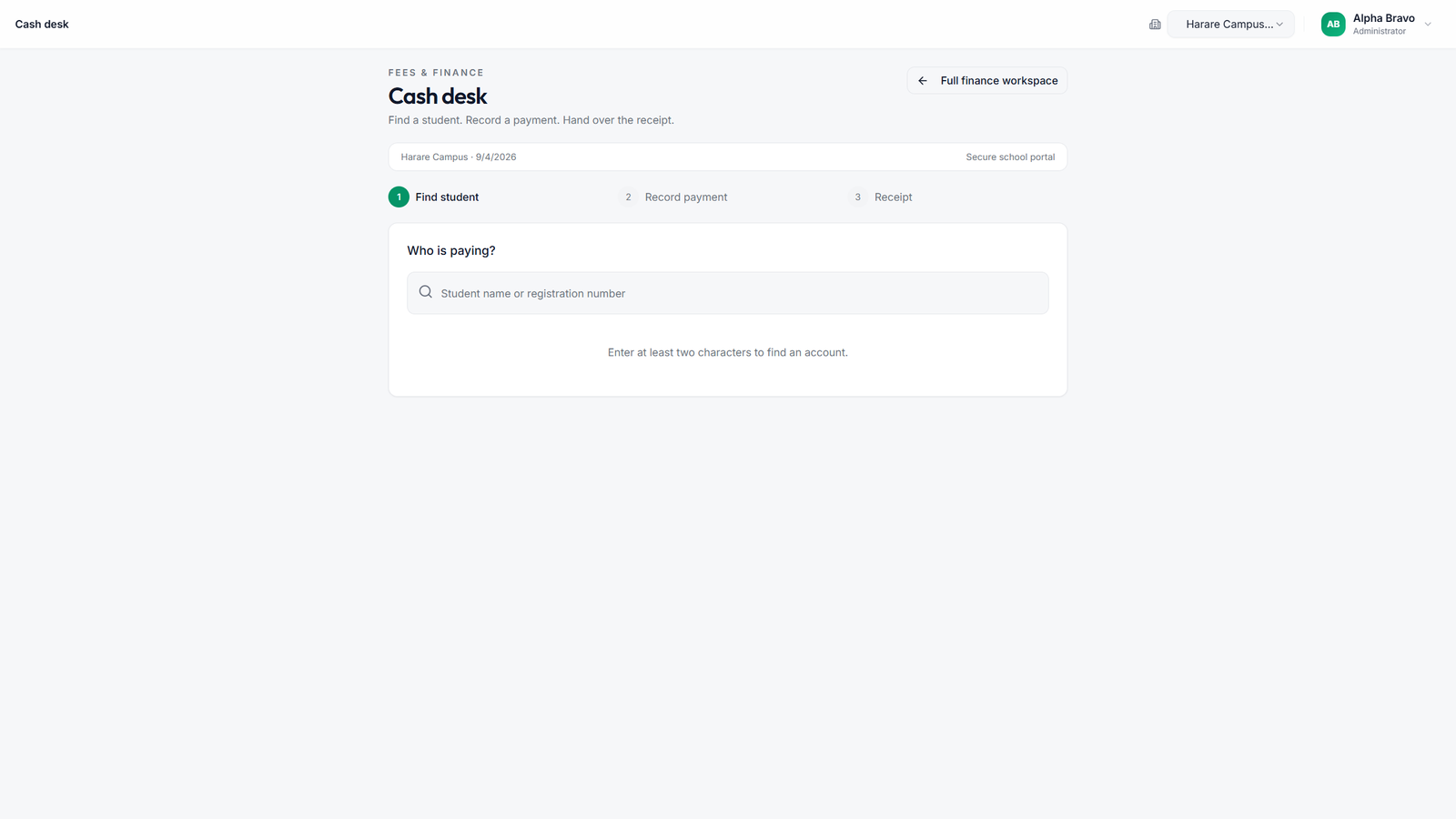
Authorised staff can search supported student records, work with fees and payments, and print receipts at the cash desk.
Synchronisation sends supported changes when connectivity returns. Edge Sync distinguishes sync-backed pending work from changes that remain local-only. Check that pending work has synchronised before changing devices.
Not every web function works offline, and not every local change synchronises. Timetable publication remains cloud-only. Review the required workflows with the implementation team.
See Tailored Finance →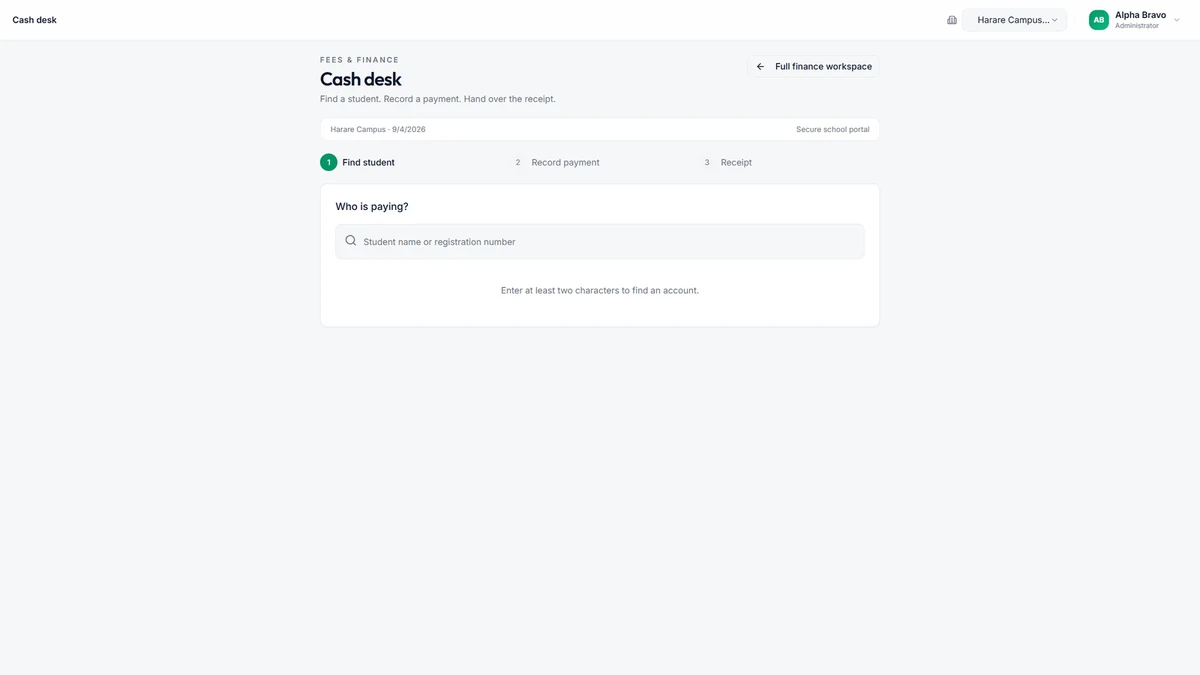
Windows Desktop is an access method for the connected platform.
Local installation on one computer. No LAN required. Suitable for an office or bursar workstation.
Authorised devices connect over the school network after a deployment review. Network configuration and assistance are separately agreed.
The existing installation guide is the source for setup and upgrade instructions.