
Guides for your school.
Brief leadership with the presentation, then hand staff and families clear manuals. Pictures show a demonstration setup; your school name, logo and colours will appear instead.
Supported accounting workflows, report names, finance screenshots and licensing.
Explore Accounting →Academic OperationsTimetable ModuleSetup, generation, validation, publication and report exports.
Explore Timetable → Briefing School presentation14 slides for a 15–20 minute walkthrough. Arrow keys or click to move. Press P to print.
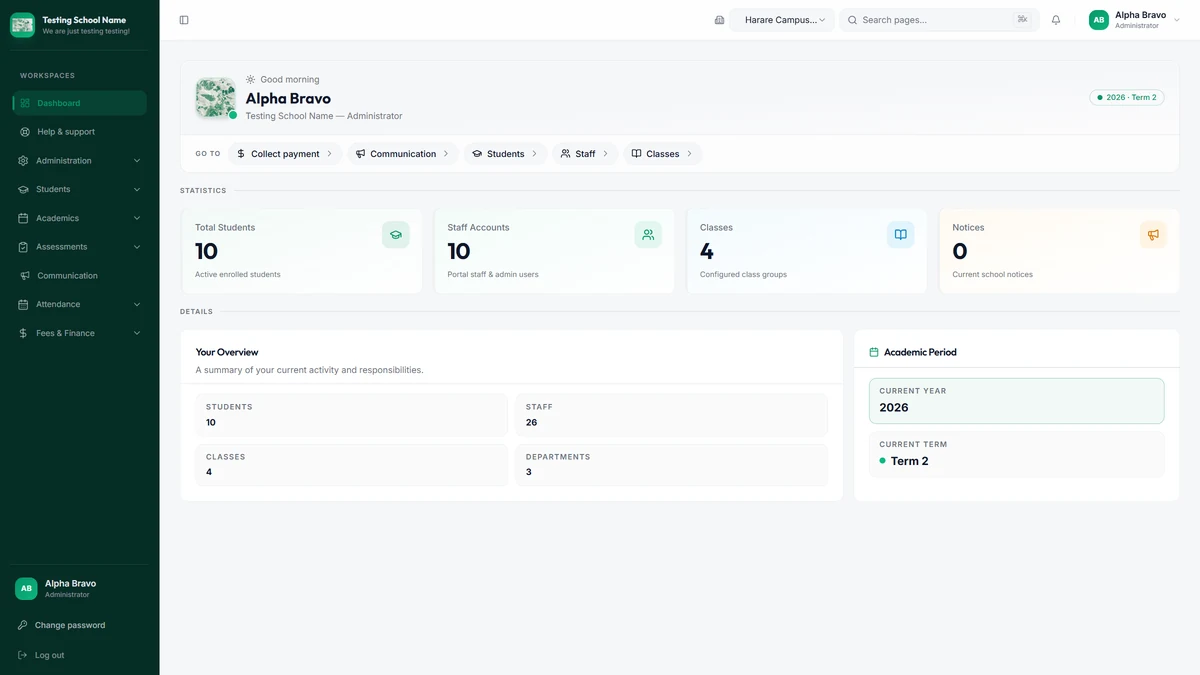
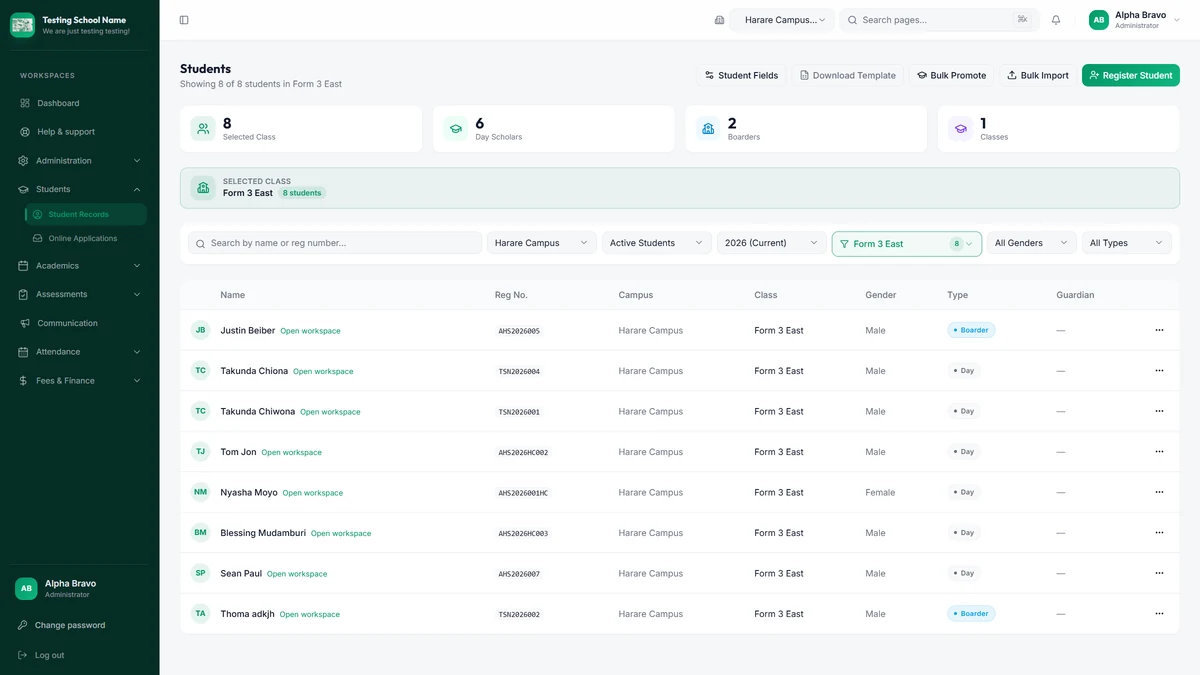
Open presentation → Staff Staff user manualSign-in, students, attendance, exams, cash desk, notices, mobile, and the office offline computer.
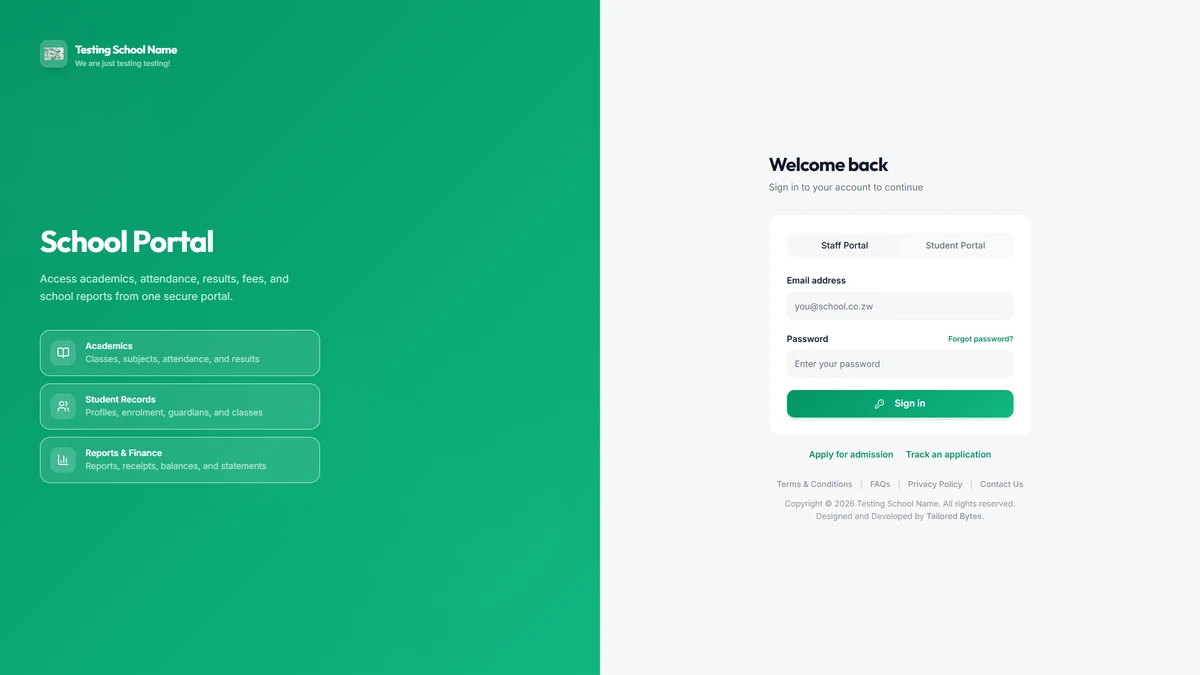
Read staff manual → Families Student / parent manualApply online, sign in, view reports and fees, follow homework, and what to do when something fails.
Read family manual → Desktop Windows Desktop installInstall PostgreSQL from EnterpriseDB, then the offline office app: enrol, test, upgrade, and troubleshooting.
Open installation guide →Screenshots included in the manuals.
These pictures are in the guides so staff and families recognise the screens they will use.
Present, then hand over.
- 1
Brief
Open the presentation full screen and walk school leadership through the main screens.
- 2
Staff
Leave the staff manual with the office for teachers, the head, admin and accounts.
- 3
Families
Print or share the student/parent manual for admissions and class teachers to give out.
Do not print shared trial passwords. Each person should use the login the school created for them.
Hardware store for RFID/NFC readers and thermal receipt printers · How hardware fits · Downloads · FAQs