
Available Current product availability
Windows Desktop for school fee desks.
Authorised admin and accounts users can search students, record fees and payments, print thermal receipts, and synchronise supported changes when connectivity returns.
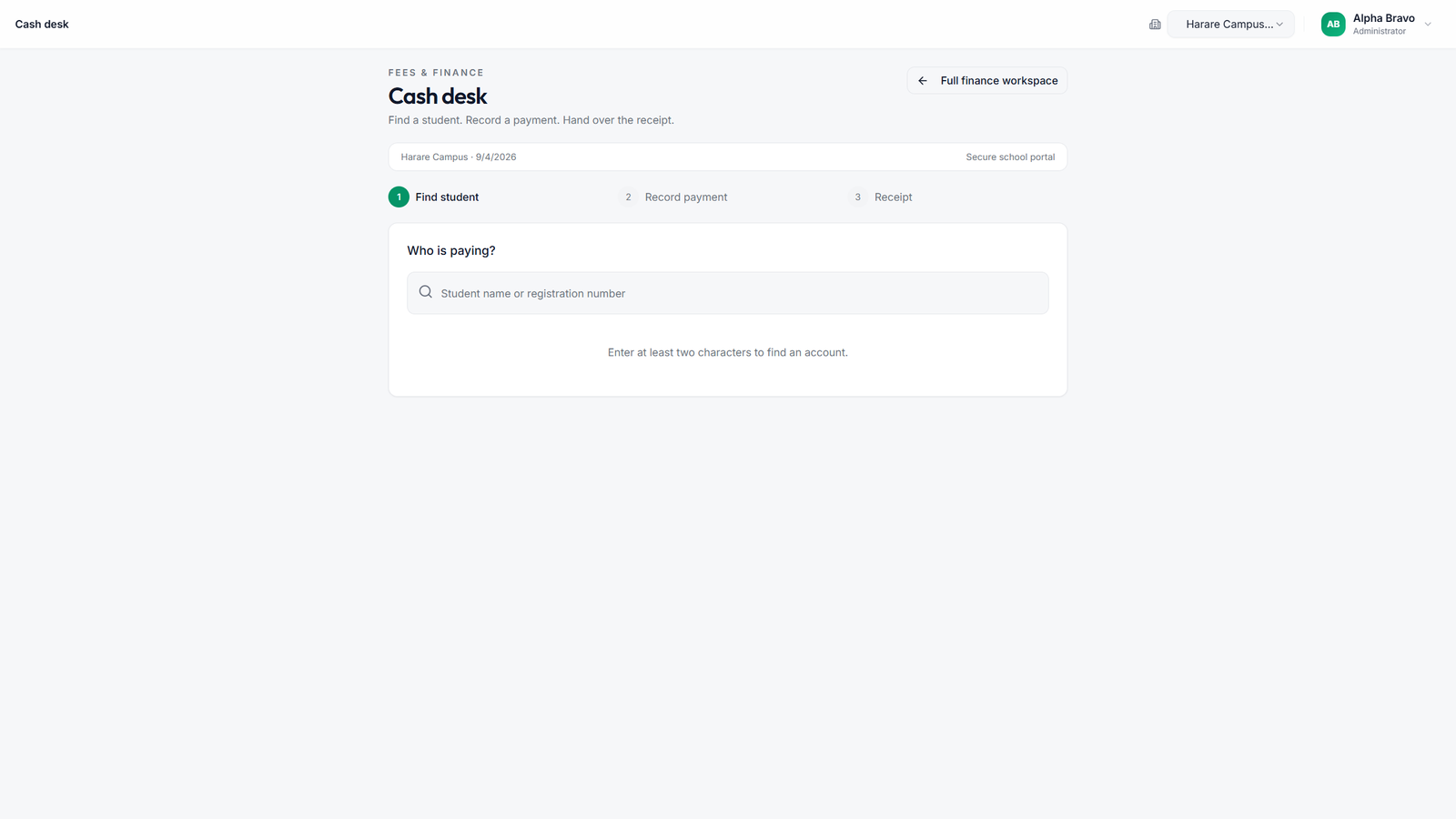
Supported desktop workflows
Windows Desktop is built for bursar and accounts workstations where internet is unreliable. Staff keep working locally, then push supported fee and payment changes when the network is available again.
Signed updates from version 1.0.1
The desktop now checks for a newer published version at startup and every 24 hours, with a manual check in Desktop settings and the tray menu. Review release notes, download when convenient, then save your work before choosing Install and restart.
Older desktops need one manual upgrade to version 1.0.1 or later. Install over the existing application without uninstalling first. School data, enrolment, offline PINs, pending changes and attachments are preserved during an upgrade.
Who can use it
- Authorised school administrators
- Accounts and bursar users with fee and payment permissions
Access stays school-scoped. Users only see records for their school, controlled by role permissions.
Core features
Student search
Find learners quickly at the cash desk without waiting on a slow connection for every lookup.
Fees and payments
Record fee activity and payments as they happen. Supported changes remain visible on the desktop until synchronisation succeeds.
Thermal receipt printing
Print clear receipts on USB POS or Bluetooth thermal printers after payment. Compatible hardware is available in the Store.
Offline sync
When connectivity returns, supported desktop changes sync back to the school portal so web and desktop stay aligned.
Deployment options
Desktop-only (default)
One computer. No LAN required. Ideal for a single bursar workstation.
LAN-enabled (optional)
Multi-device access on the school network is available after deployment review. It is not the default path.
Get started
Download the Windows setup from Downloads, then follow the desktop installation guide for install steps and first sign-in.